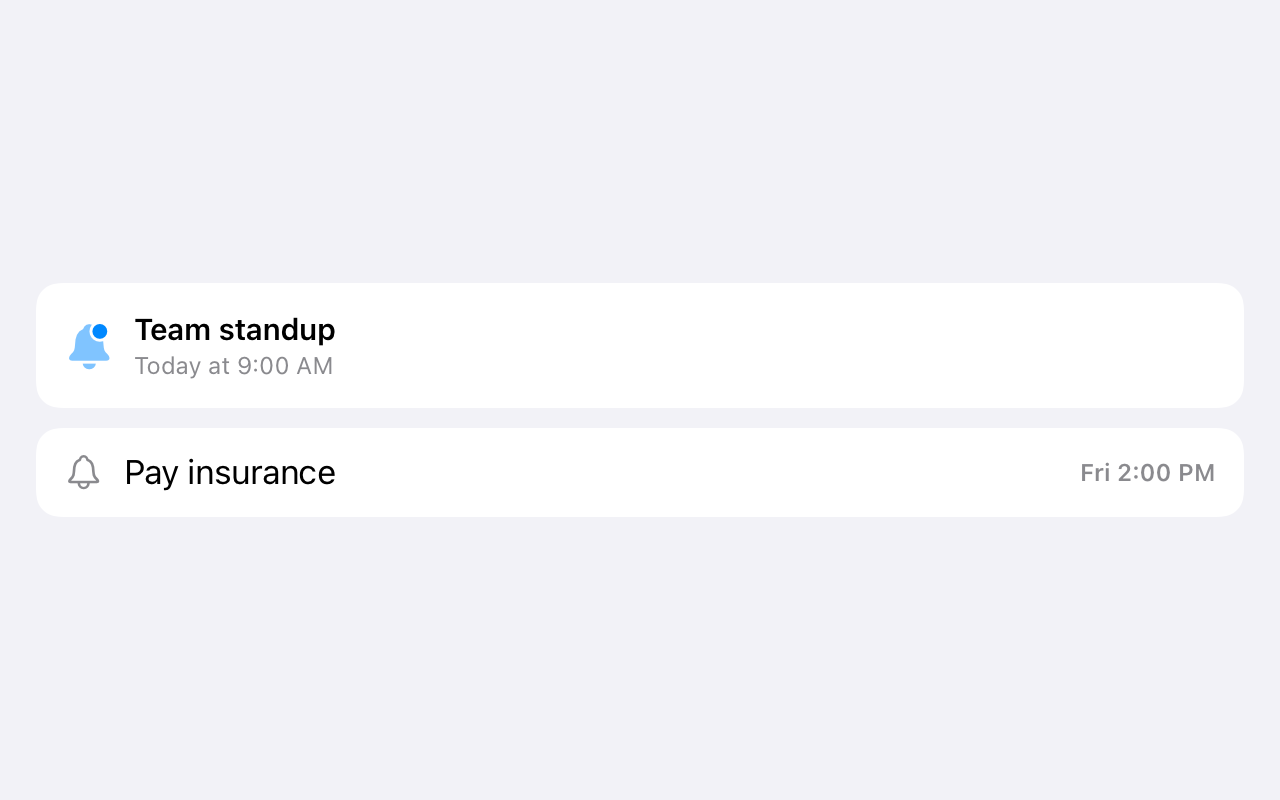
Notifications are easy to miss. ETasks gives your to-dos real alarms (the kind that ring like your morning alarm) so deadlines actually get your attention, on iPhone and Apple Watch.
Why a quiet notification isn't enough
Every to-do app can send a notification. The problem: a notification is one buzz among fifty, silenced by Focus modes, buried in the notification stack, gone the moment you glance away. For the tasks that really can't slip (medication, a call, picking someone up, a deadline), you need something that behaves like an alarm clock, not a badge.
ETasks uses Apple's alarm framework (AlarmKit) so a task alarm keeps ringing until you deal with it, the same way your wake-up alarm does.
Alarms & reminders
Built for deadlines that matter
Real alarms, recurring reminders, postpone
Set a real alarm or a standard reminder per task: your choice, per task. Recurrence covers routines like weekly reviews or daily medication. Running late? Postpone rings it again in a bit.
Alarms ring insistently until handled, like a morning alarm
Recurring reminders for routines and habits
Deadline warnings before a due date slips
On your wrist too
Reminders and deadline warnings reach your Apple Watch, so a task can get your attention even when your iPhone is across the room. Complete or postpone right from the notification.
Google Tasks itself has no alarms: a task's due date shows in Google Calendar, but nothing ever rings. Connect your Google account to ETasks and every Google Task can carry a real alarm. Your reminder times travel with the task as metadata on Google-connected lists, and the alerts fire on your Apple devices where you'll hear them. On shared lists, reminders and alarms stay personal: your ringtone is never someone else's problem.
More on how sync works on the Google Tasks app for iPhone page, or check the FAQ for alarm permissions and Focus mode tips.
 ETasks