Google never built a real Google Tasks app for iOS. ETasks is that app: a fully native iPhone and iPad client with two-way sync, real alarms, widgets, and an Apple Watch app: free and ad-free.
Why iPhone users need a dedicated Google Tasks app
If you live in Gmail and Google Calendar, your tasks already live in Google Tasks. But on iPhone, Google Tasks is an afterthought: no real alarms, minimal widgets, no Apple Watch app, and a web-style interface that never feels at home on iOS. ETasks fixes that without asking you to move your data anywhere.
Two-way sync with Google Tasks. Everything you do in ETasks shows up in Google Calendar and Gmail, and the other way around. Your data stays in your Google account.
Native iOS through and through. Built with modern Apple frameworks: Home Screen and Lock Screen widgets, Share sheet capture, drag and drop, and a full Apple Watch app.
Works without Google too. Prefer private? Use ETasks 100% locally with no Google account, and connect later if you ever want to.
What you get
Everything Google Tasks should have been on iOS
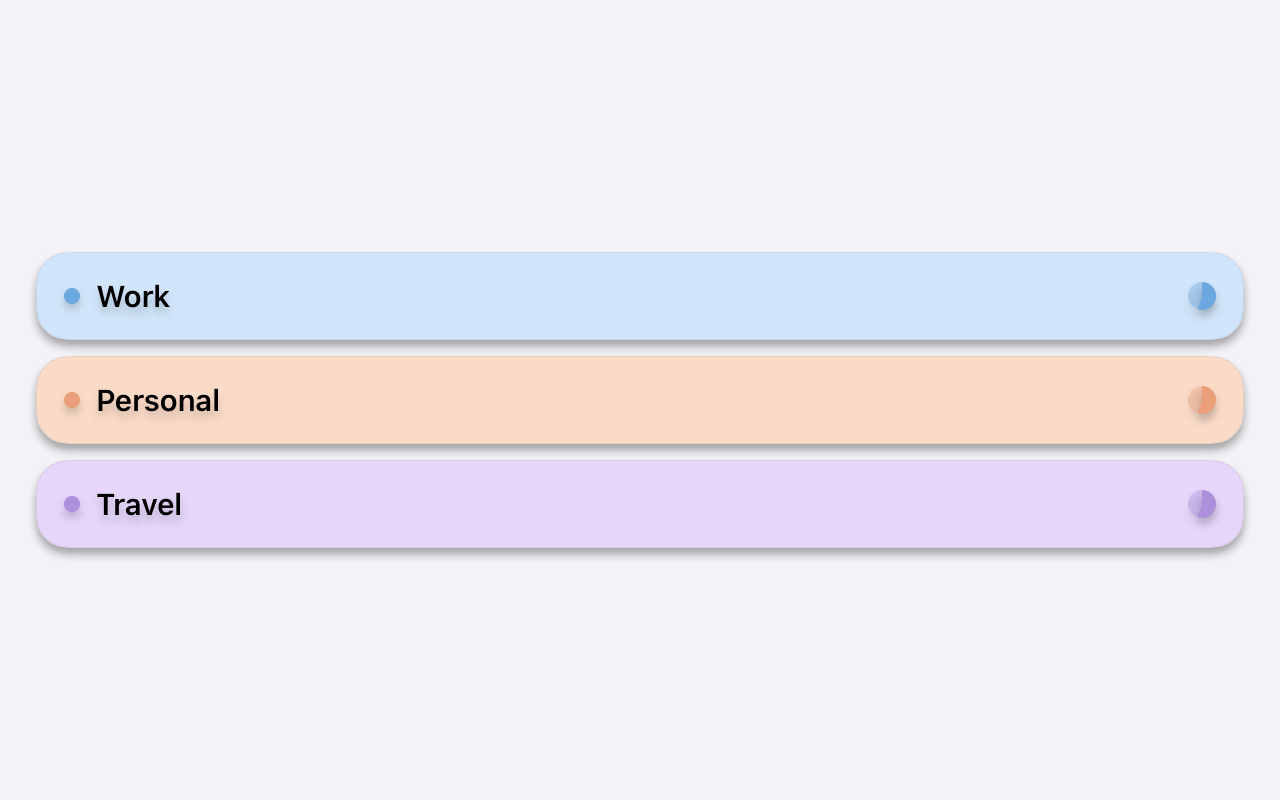
All your Google Tasks lists, one view
See every task list together. Drag and drop tasks between lists, or across tabs onto the Calendar to schedule them on a date. Favorites with priorities keep what matters on top, fast search covers everything, and a recycle bin means nothing is ever lost by accident.
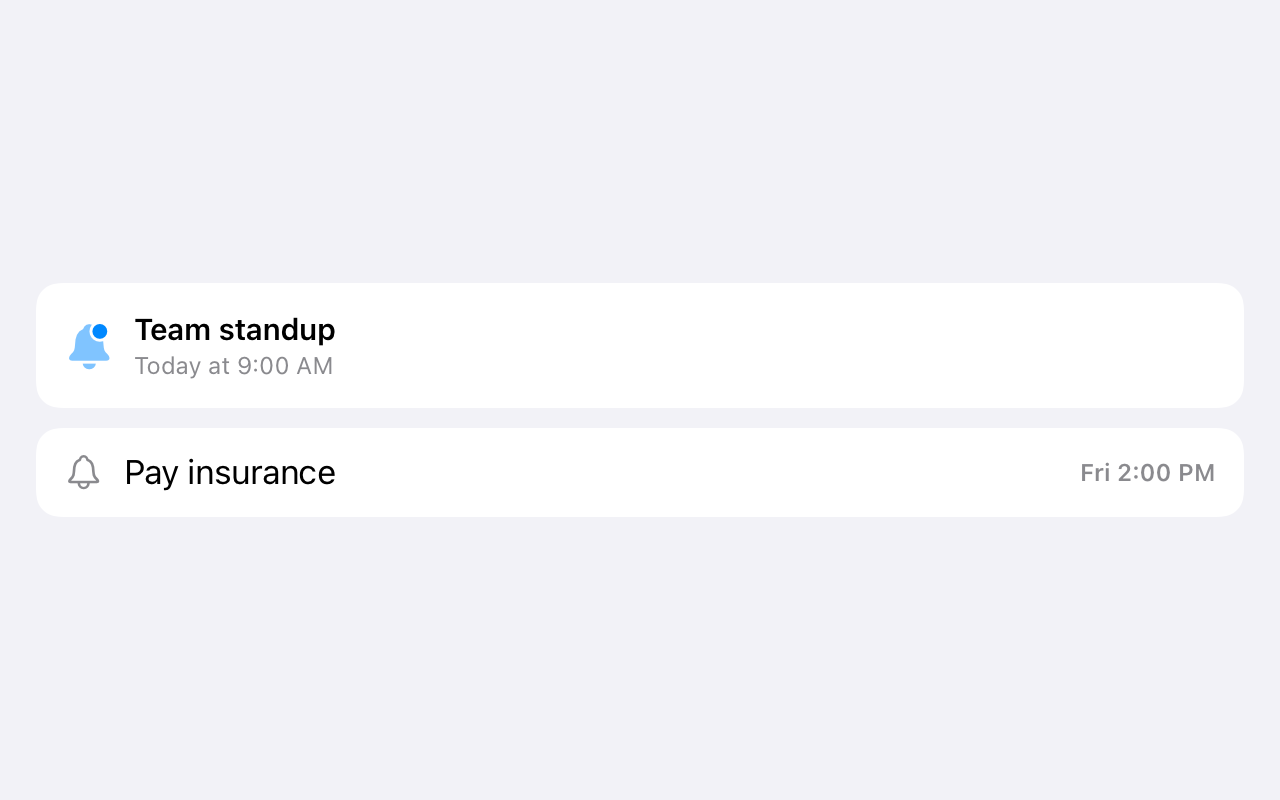
Google's own apps never ring for a task. ETasks gives your Google Tasks real alarms that sound like your morning alarm, plus recurring reminders, postpone, and deadline warnings on iPhone and Apple Watch.
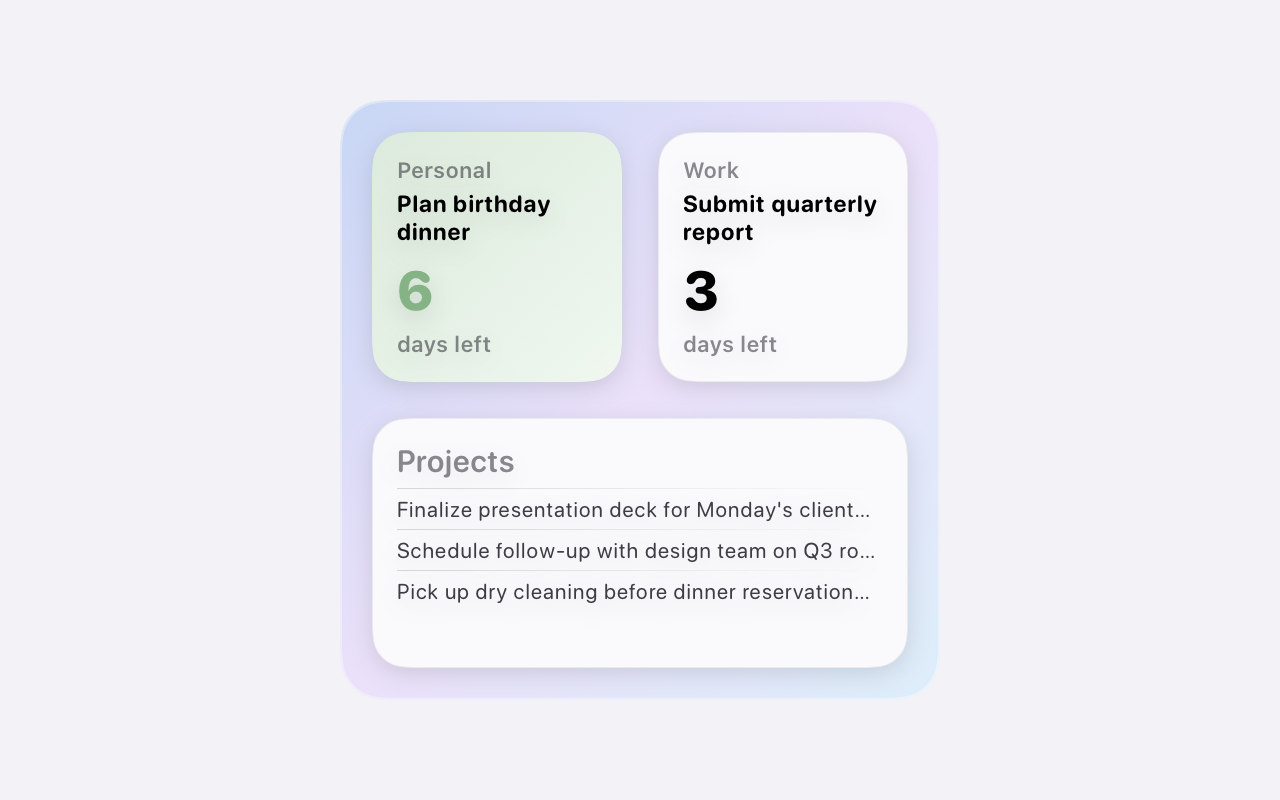
Eight Home Screen and Lock Screen widget types put your Google Tasks a glance away. Complete tasks from your wrist with the Apple Watch app, and enjoy a proper native layout on iPad.
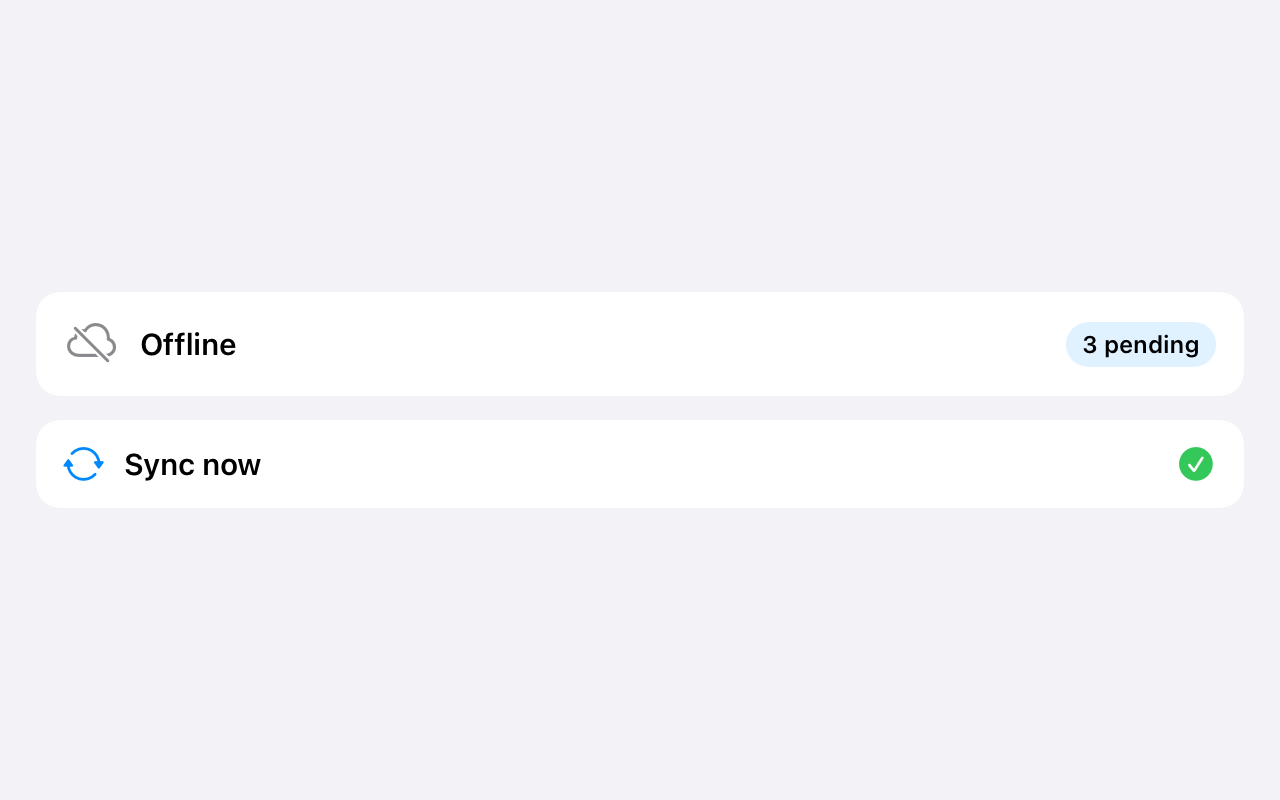
Changes queue when you're offline and sync when you're back. ETasks only requests the Google Tasks scope (never Gmail, Calendar, Drive, or Contacts), and you can disconnect from Google at any time.
Sign in with Google and ETasks becomes a full Google Tasks client: task lists, tasks, subtasks, titles, notes, due dates, completion state, and list order all sync both ways. Whatever you check off on your iPhone is checked off in Gmail's Tasks panel and Google Calendar a moment later. Reminder and alarm times travel with the task as metadata, while the alerts themselves ring on your Apple devices, where you'll actually hear them.
Not a Google user? Choose "Use on this device" and ETasks works as a fully local, private to-do app. You can connect a Google account later and keep everything.
 ETasks